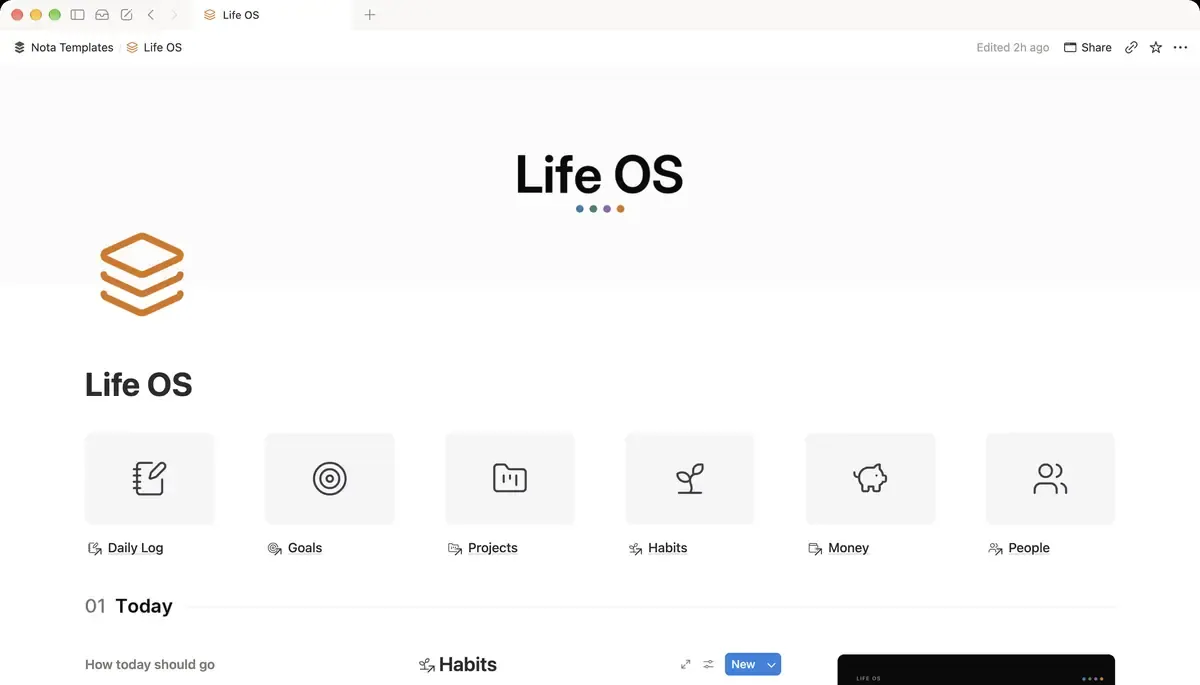
The Daily Log
Create a database called Daily Log and rename Name to Day. Add these properties:
- Date: Date.
- Mood: a Select with four options: Great, Good, Meh, Low.
- Energy: a Select: High, Medium, Low.
- Sleep: Number, in hours.
- Note: Text. One sentence about the day.
Four mood options is enough. With ten, you spend the time deciding between 6 and 7 instead of moving on with your day.
Turn the mood into a number
Words are easy to pick, numbers are easy to average. Add a formula called Mood score:
ifs(prop("Mood") == "Great", 4, prop("Mood") == "Good", 3, prop("Mood") == "Meh", 2, prop("Mood") == "Low", 1, toNumber(""))What it does: turns Great into 4, Good into 3, Meh into 2 and Low into 1, and stays empty on days you did not pick a mood, so they do not drag the average down.
If your Mood options have emoji in them, the text in the formula must match exactly, emoji included.
The journal goes inside the row
Every row in a Notion database is also a page. Open a day and write the journal entry in the page body, below the properties. The properties are for patterns, the page is for the story of the day.
A template with prompts
Open the New button's menu in Daily Log and create a template called Today. Fill its page with three headings as prompts:
- What happened today?
- What gave me energy, and what took it?
- One thing to do differently tomorrow.
Set the template as the default and set it to repeat daily. Notion then creates each day's row with the prompts already in it.
See the month at a glance
Add a Calendar view of Daily Log by Date and show Mood on the cards. Give each mood option its own colour (green for Great, red for Low), and a run of low days stands out at a glance.
Weekly averages
Create a Weekly Review database with Week as the title, a Date, and Text properties for Went well, Did not and One change. Add a relation from Daily Log called Week pointing at it, and link each day to its week. Then add two rollups on Weekly Review:
- Avg mood: Relation Daily Log, Property Mood score, Calculate Average.
- Avg sleep: Relation Daily Log, Property Sleep, Calculate Average.
Round the display by setting the number format to one decimal. A week at 2.4 next to a week at 3.3 is easier to read than seven coloured tags.
Look for one pattern at a time
Once you have a month of rows, filter the Daily Log to one question, for example Sleep is less than 6, and look at the Mood column. Then try Energy is Low. You are not looking for proof, only for the one change worth trying next week, which goes in One change.
Keep it under a minute
The whole system depends on filling it in daily. Put a linked view of Daily Log filtered to Date is today at the top of your home page, so the row is one tap away. Pick the mood, type the sleep, write one line. The longer journal entry is optional and can wait until evening.