About this template
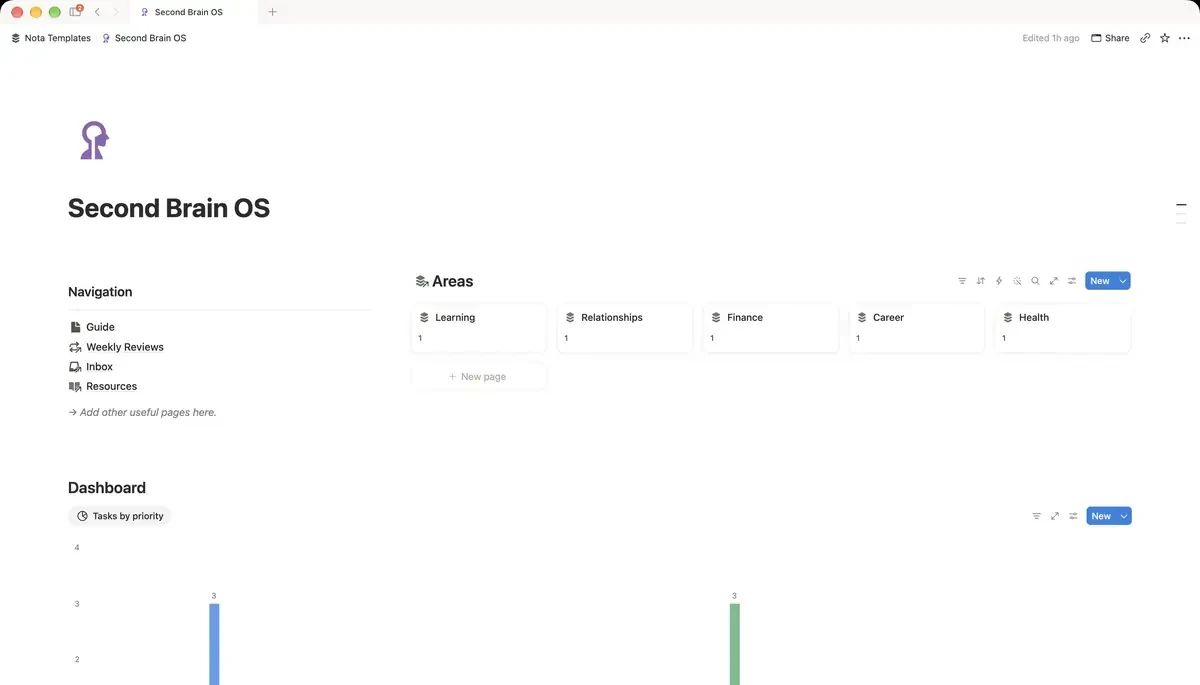
Life OS is one workspace for the parts of life that usually live in six different apps. Everything hangs off six Areas, so a habit, a purchase and a weekly review all point at the same thing. Open one page in the morning and you can see the day, the week, the month and the numbers behind them.
What's inside
- 13 linked databases around six Areas
- Today, This week and This month dashboards
- Goals with progress and days left
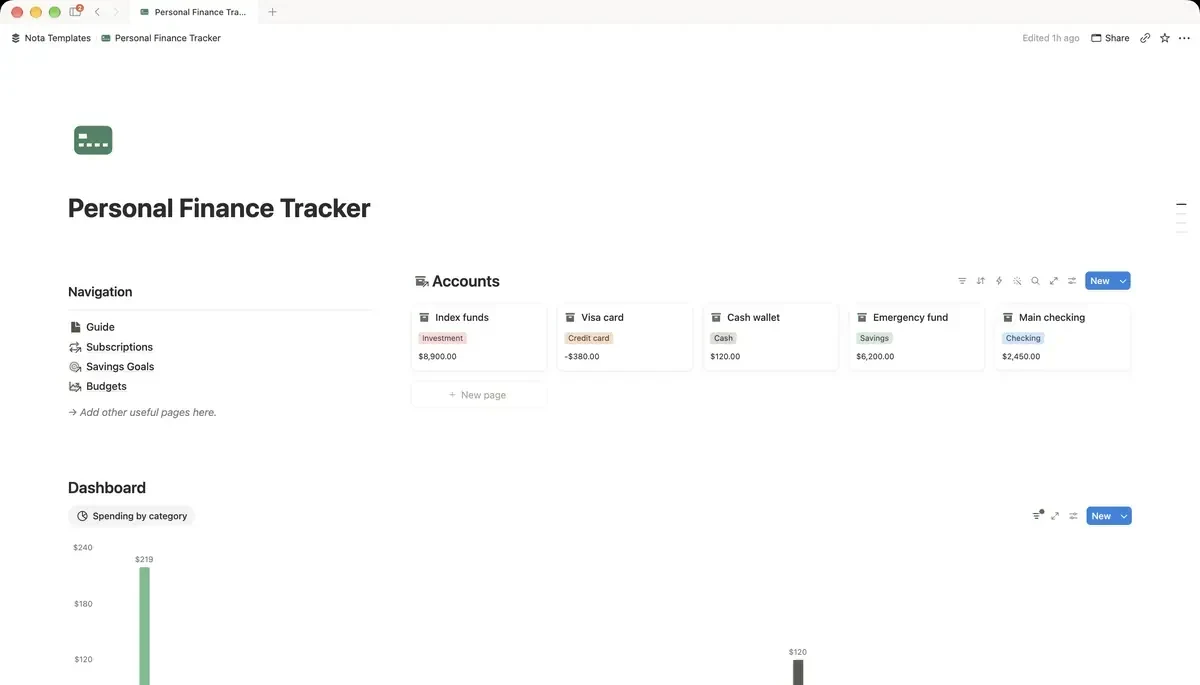
- Money with 30-day charts
- Daily log feeds habits, mood and sleep
- Weekly review that closes the loop
How it works
- 1Complete checkout and open the link in your email.
- 2Click “Duplicate” in the top-right corner of the Notion page.
- 3The template is now in your workspace. Make it yours.
Who it's for
Life OS is for people who keep their goals in one app, their habits in another, their money in a spreadsheet and their friends in their head. None of it connects, so nothing adds up. Here everything hangs off six Areas of life: Health, Money, Mind, Work, Home and People. A habit, a purchase and a weekly review all point at the same Area, which is what lets one page show you the whole picture.
Your first week
- 1Rename the six Areas to match your life. Six is enough; adding a seventh is usually a sign a goal is missing, not an area.
- 2Write three Goals, not ten, and attach each one to an Area. The cards show progress and days left from the moment you add a target.
- 3Pick three to five Habits. Each morning, add one Daily Log row: habits ticked, mood, sleep. That one row feeds the charts.
- 4On Sunday, fill in one Weekly Review. It takes fifteen minutes and it is the part that makes the rest stick.
What it doesn't do
This is not an automatic tracker. Nothing syncs from your bank, your watch or your calendar, so every row is typed in by you. It is also not a team tool: there are no assignees or shared workloads. It assumes one person, one life.
Questions
How is this different from the free templates?+
The free templates each cover one thing. Life OS covers goals, projects, habits, money, meals, workouts, reading and people in one workspace, with 13 databases that share the same six Areas. The dashboards only work because everything is connected.
Do I have to fill in everything?+
No. The daily log and the weekly review are the two habits that matter. Money, meals and workouts can stay empty until you want them, and the page still works.
Does it come with sample data?+
Yes. Thirty days of example entries so every chart and view shows something on day one. Delete the rows when you are ready, or keep them as a guide to how the fields are meant to be used.