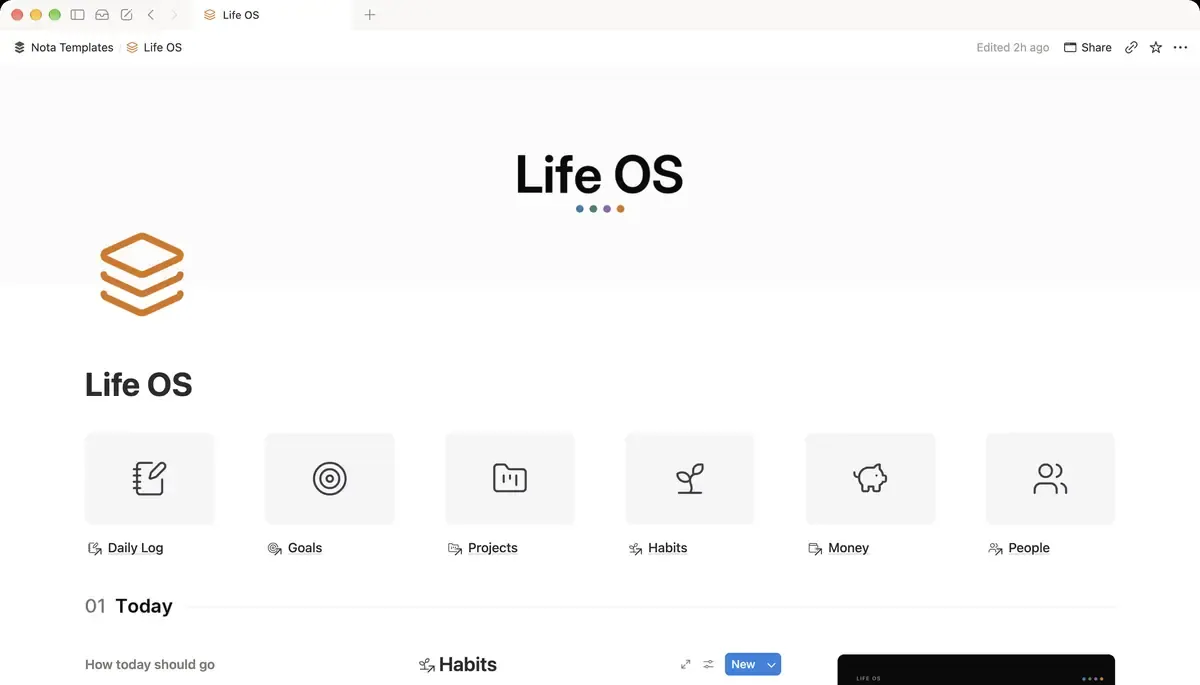
The Goals database
Create a database called Goals and rename Name to Goal. Add these properties:
- Target: Number. Where you want to end up, for example 21 for a half marathon in kilometres.
- Current: Number. Where you are today. This is the one you update.
- Unit: Text, so the numbers make sense later (km, books, dollars).
- Target date: Date.
- Status: a Select: Not started, In progress, Done, Dropped.
- Horizon: a Select: This quarter, This year, Someday.
- Why: Text. One sentence on why the goal matters to you.
If a goal has no number, give it one before you add it. "Get fit" cannot show progress. "Run 21 km without stopping" can.
The progress bar
Add a formula property called Progress:
if(prop("Target") > 0, round(prop("Current") / prop("Target") * 100), 0)What it does: works out what percentage of the target you have reached. If no target is set yet, it shows 0.
To turn the number into a bar, open the property, choose Show as: Bar and set Divide by to 100. The bar fills as you update Current.
Days left
A second formula, Days left, counts down to the target date:
if(empty(prop("Target date")), 0, dateBetween(prop("Target date"), now(), "days"))What it does: shows how many days remain until the target date, and 0 if no date is set.
A health label for each goal
Progress tells you how far you are. A health label tells you whether that is a problem. Add a formula called Health:
if(prop("Status") == "Done", style("Done", "gray"), if(empty(prop("Target date")), style("No date yet", "gray"), if(dateBetween(prop("Target date"), now(), "days") < 0, style("Overdue", "red"), if(dateBetween(prop("Target date"), now(), "days") < 30, style("Due soon", "orange"), style("On track", "green")))))What it does: shows Done for finished goals, Overdue in red when the date has passed, Due soon in orange within 30 days, and On track in green otherwise.
One line for the gallery card
Gallery cards have little space, so combine progress and time into one line with a formula called Progress line:
format(prop("Progress")) + "% done" + if(prop("Days left") > 0, " · " + format(prop("Days left")) + " days left", "")What it does: writes something like "57% done · 149 days left".
Add a Gallery view, give each goal a cover image, and show only Progress line and Health on the card. That view is the one worth putting on your home page.
Link goals to the work that moves them
A goal on its own rarely moves. Link it to the work:
- Create an Areas database (Health, Work, Money, People and so on) and add an Area relation on Goals. Give each area a rollup called Goal count, so an area without any goal stands out.
- In your Projects database, add a relation called Supports pointing at Goals.
- Back in Goals, add a rollup called Projects behind it that counts the linked projects.
A goal with zero projects behind it is a wish. Either add a first project or move the goal to Someday.
The weekly update
Once a week, open the Goals table, update Current on each goal and set Status where it changed. Progress, Days left, Health and the bar all follow. Sort by Health or filter to Overdue and Due soon to see which goal needs a project this week.
When progress is not a single number
Some goals have no natural number, such as learning a language. Turn them into one by counting the steps you can check: lessons finished, chapters read, conversations held. Set that as Target. It is less precise than a measurement, but it still shows movement, which is what keeps a goal alive.