What the four buckets actually mean
Getting this wrong is why most second brains rot. A Project has an end and an outcome: ship the site, pass the exam. An Area has neither — it is a standard you hold indefinitely, like health or finances. A Resource is a topic you collect because it interests you. Archive is anything from the first three that has gone quiet.
The test is the end date. If you can imagine ticking it off, it is a Project. If it will still be true next year, it is an Area. Almost every failed PARA setup has projects living in areas.
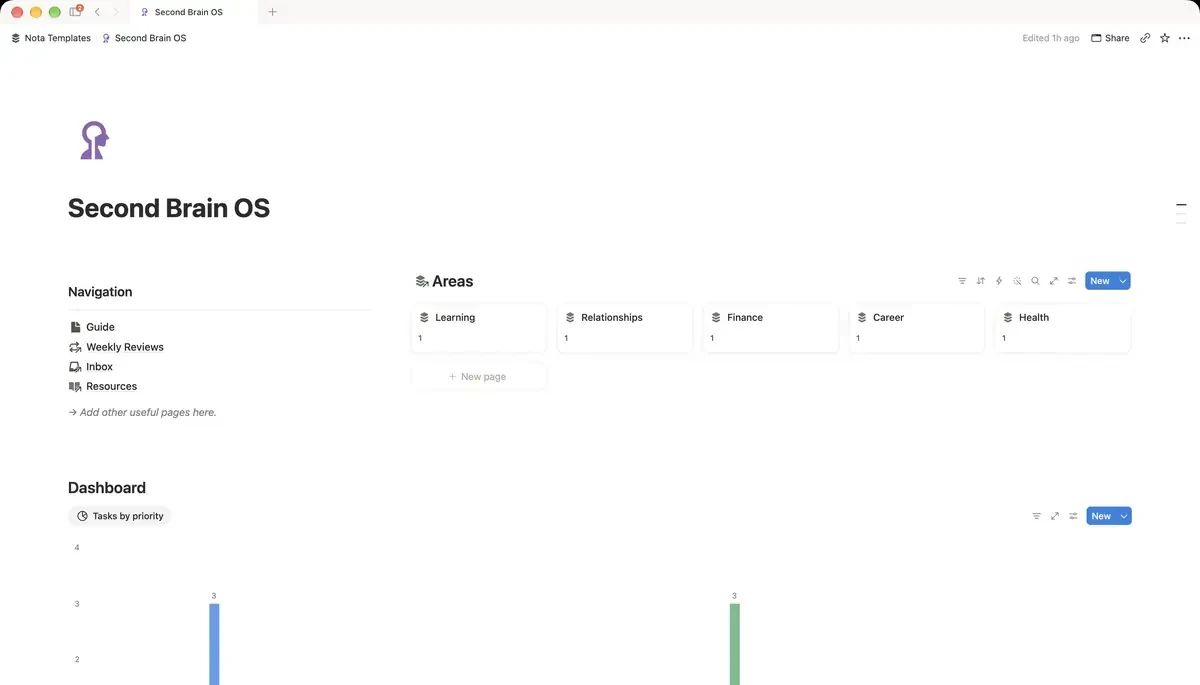
Database 1 — Areas
Build this first; it is the shortest and everything attaches to it. Name it Areas, rename the Name column to Area, then add one Text property called Standard — the sentence that says what good looks like here. "Asleep before midnight most nights." Five to eight rows, not twenty.
Database 2 — Projects
Name it Projects, rename the Name column to Project, then add:
- Area — a Relation pointing at Areas.
- Status — a Select: Next up, Active, Blocked, Done, Parked.
- Due — a Date.
- Outcome — Text. One sentence describing what has to be true for this to be finished.
If you cannot write the Outcome sentence, it is not a project yet. It is an area, or a vague feeling.
Database 3 — Tasks, and the progress bar
Name it Tasks, rename the Name column to Task, then add a Relation to Projects, a Date called Due, a Select for Priority, and a Checkbox called Done. Now go back to Projects and add a Rollup:
- Relation: Tasks · Property: Done · Calculate: Percent checked
- Click the rollup's header, choose Show as, and pick Bar.
That is a genuine progress bar with no formula and no maintenance. It moves when you tick a task, which is the only way a progress bar ever stays honest.
Database 4 — Inbox, the part that decides whether this survives
Name it Inbox, rename the Name column to Note, then add relations to Projects and Areas, and a Checkbox called Processed. Capture into this and nothing else. The whole point is that at the moment of having an idea you should not have to decide where it goes — you type it, and you sort it on Sunday.
- Add a view called Unprocessed, filtered where Processed is unchecked.
- Once a week, open it, attach each note to a project or an area, and tick Processed.
If the Unprocessed view is never empty, your buckets are wrong, not your discipline. Notes that fit nowhere usually mean a missing Area.
Database 5 — Resources, and what Archive really is
Resources is a plain database with a Topic select: things you collect without a project needing them yet. Archive does not need to be a fifth database — add an Archived checkbox to Projects, Areas and Resources, and filter it out of every working view. A separate archive database means moving rows between databases, which breaks every relation pointing at them.
The one view you open every day
In Tasks, add a view called Today: filter Due is on or before today and Done is unchecked, then sort by Priority. Put it at the top of a dashboard page as a linked view. Everything else in this system is for the weekly sort; this is the view that runs the day.
How long this takes, honestly
About two hours to build, and roughly three weeks before it stops feeling like homework. The failure mode is not the building — it is skipping the weekly sort, after which the Inbox becomes a graveyard and the whole thing quietly turns into a second place to feel guilty about. Twenty minutes on a Sunday is the actual price of a second brain.