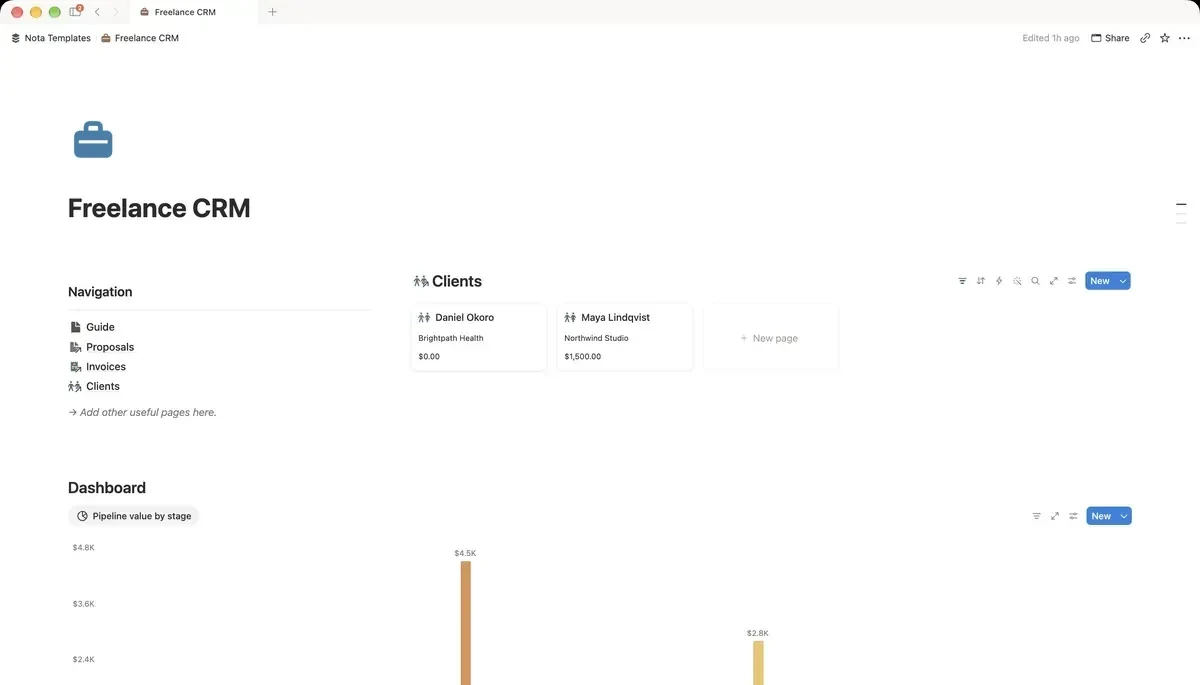
Database 1: Clients
Everything hangs off this. Name it Clients, rename the Name column to Client, then add Company, Email, a Status select (Lead, Active, Past) and a Source select (Referral, Website, LinkedIn, Repeat). After a year, Source is the column that tells you where your good work actually comes from.
Database 2: Deals
Every piece of work you might win. Name it Deals, rename the Name column to Deal, then add:
- Client: a Relation pointing at Clients.
- Stage: a Select: Enquiry, Proposal sent, Negotiating, Won, Lost.
- Value: a Number in your currency.
- Next step: Text. One line: "send revised quote", "wait for their budget".
- Follow-up: a Date. The day you owe them something.
Follow-up is the column that earns the whole system its keep. A deal with no follow-up date is a deal you have quietly given up on.
The pipeline and the follow-up list
In Deals, add a Board view grouped by Stage and show Value on the cards. That is your pipeline. Then add a second view called Follow-ups, filtered where Follow-up is on or before today. Open that one first thing every morning; it is a to-do list that writes itself.
Database 3: Projects, priced properly
Name it Projects, rename the Name column to Project, then add a Client relation, Status, Start and Deadline dates, a Rate number and an Hours number. Add a Formula called Total:
prop("Rate") * prop("Hours")What it does: your rate multiplied by the hours you actually worked.
Log the real hours, not the quoted ones. After five projects the gap between the two is the most useful number you own, because it tells you what to quote next time.
Database 4: Invoices that flag themselves
Name it Invoices, rename the Name column to Invoice, then add relations to Clients and Projects, an Amount, Issued and Due dates, and a Status select (Draft, Sent, Paid). Then add a Formula called Overdue:
and(prop("Status") == "Sent", not(empty(prop("Due"))), prop("Due") < now())What it does: ticks itself when an invoice has been sent, has a due date, and that date has passed.
It turns on by itself the day after the due date and off the moment you mark it Paid. Add a view filtered where Overdue is checked and you have your chasing list.
What each client is worth
Back in Clients, add a Rollup called Billed: Relation set to Invoices, Property to Amount, Calculate to Sum. Sort by it. The order is rarely what you expected, and it is a good guide to whose emails you answer first.
What this does not replace
Notion will not send the invoice, take the payment or email a reminder. Use your invoicing tool for that and record the invoice here. What Notion replaces is the part that lives in your head: who is waiting, who owes you, and what each client has been worth. That is the part that goes wrong when you are busy.