The recipe database
Create a database called Recipe Library and rename Name to Recipe. Add these properties:
- Meal: a Select: Breakfast, Lunch, Dinner, Snack.
- Cuisine: a Select, with the cuisines you actually cook.
- Time (min): Number. Total time from start to plate.
- Servings: Number.
- Calories: Number, if you track them. Leave it out if you do not.
- Ingredients: Text. A short list, so you can see it without opening the page.
- Link: URL, for recipes that came from a website or a video.
- Favorite: Checkbox.
- Tags: a Multi-select such as Quick, Vegetarian, High protein, Meal prep, Cheap.
Put the full method inside the recipe's page, as a numbered list. The properties are for finding a recipe, the page is for cooking it.
Photos and a gallery view
Give each recipe a cover image: your own photo of the dish, or the one from the recipe's website. Then add a Gallery view, set Card preview to Page cover, and show Time (min) and Tags on the cards. This is the view that makes it feel like a recipe book rather than a spreadsheet.
One line for each card
Gallery cards have little room. Combine the useful numbers into one line with a formula called Card:
format(prop("Time (min)")) + " min · serves " + format(prop("Servings"))What it does: writes something like "25 min · serves 3" under each photo.
Calories per serving
If you note the calories for the whole recipe, add a formula called Per serving:
if(prop("Servings") > 0, round(prop("Calories") / prop("Servings")), 0)What it does: divides the recipe's calories by the number of servings, so a pan of pasta for four shows what one plate is.
Views that answer real questions
Add a few filtered views on the same database:
- Tonight: Time (min) is less than or equal to 20, sorted by Time.
- Favorites: Favorite is checked.
- By meal: a Board grouped by Meal.
- Meal prep: Tags contains Meal prep, sorted by Servings, largest first.
Saving recipes from the web
Install the Notion Web Clipper in your browser or use Share to Notion on your phone, and send recipe pages straight into the Recipe Library. Then fill in Meal, Time and Tags, and paste the ingredient list into Ingredients.
Clip only recipes you plan to cook this month. A recipe book with 400 untried recipes is as hard to use as the bookmarks it replaced.
Connect it to a meal plan
Create a Meal Plan database with one row per meal slot: Slot ("Mon, Dinner"), a Day select, a Meal select, a Date, a Cooked checkbox and a Recipe relation pointing at Recipe Library. Add rollups for Calories (Sum) and Time (Sum) from the linked recipe, and a Board view grouped by Day.
Now each recipe page also lists every time you planned it, which tells you which meals your household actually likes.
And to a grocery list
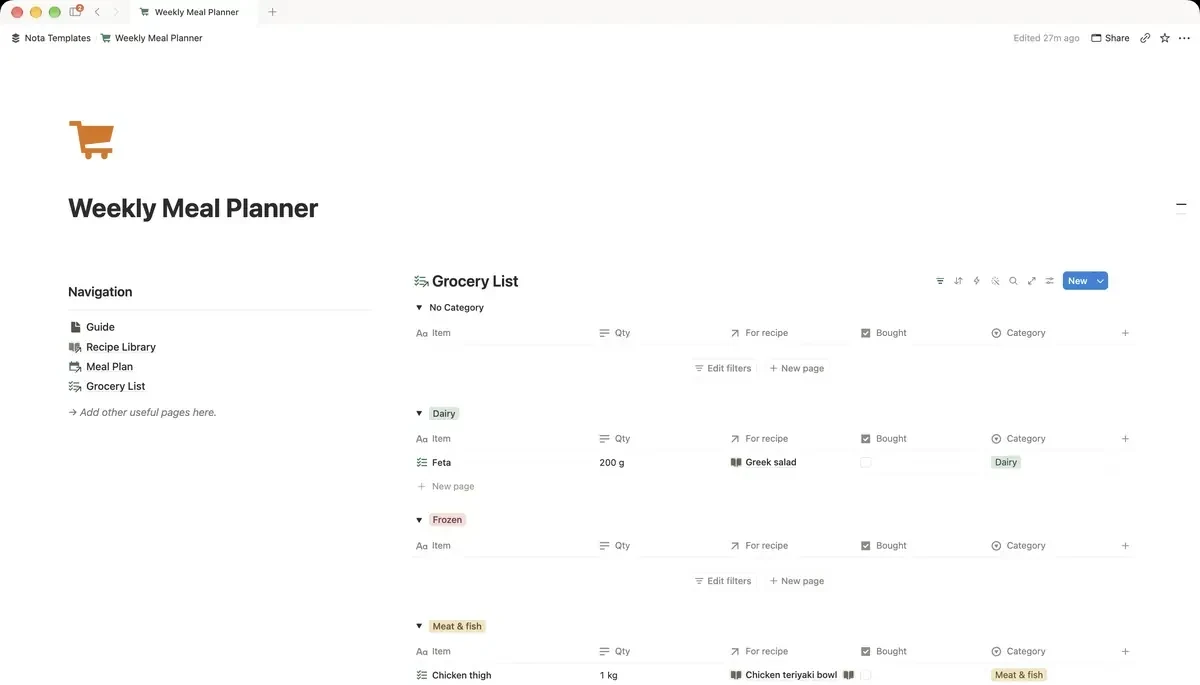
Create a Grocery List database with Item, a Category select (Produce, Dairy, Meat and fish, Pantry, Frozen, Other), Qty as text, a Bought checkbox and a relation called For recipe pointing at Recipe Library. Group the list by Category so it follows the aisles, and filter out Bought items.