About this template
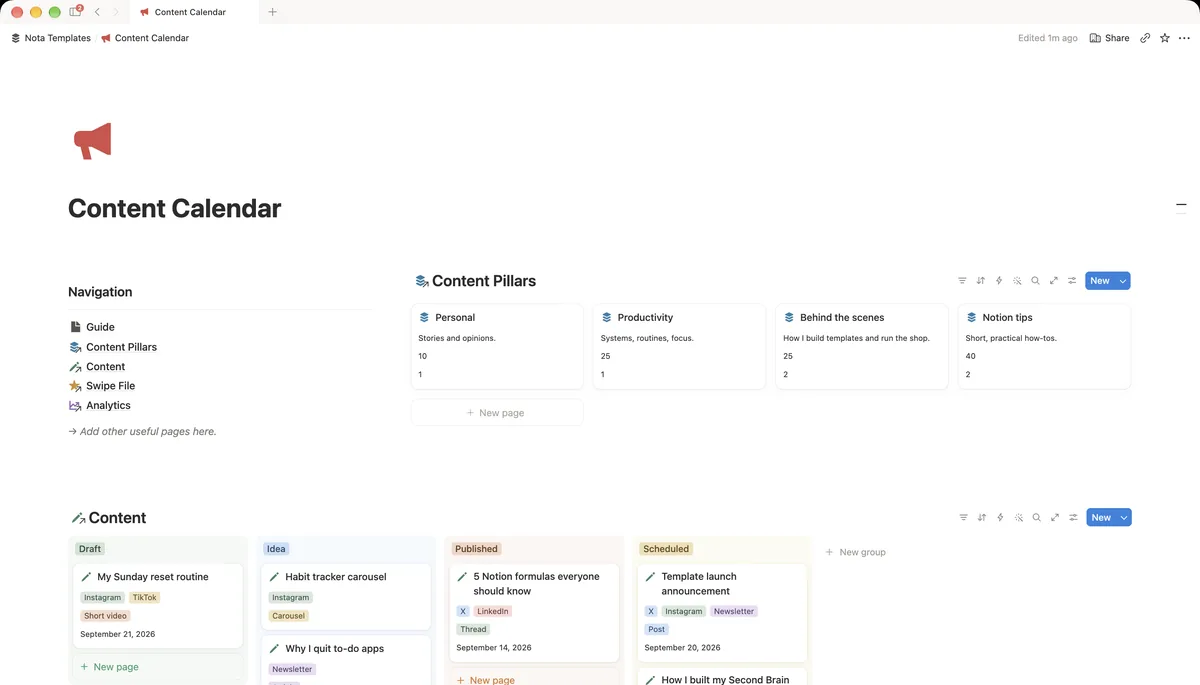
A creator-focused pipeline from idea to published. Kanban by status, calendar by publish date, and a swipe file for hooks that worked.
What's inside
- Idea → Draft → Scheduled → Published board
- Platform views (X, Instagram, YouTube, Newsletter)
- Content calendar view
- Hook & caption swipe file
- Analytics log
How it works
- 1Complete checkout and open the link in your email.
- 2Click “Duplicate” in the top-right corner of the Notion page.
- 3The template is now in your workspace. Make it yours.